Mario Kart Wii
Mario Kart Wii
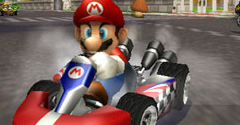
arrow_drop_down
[27]
Racers
Baby Daisy
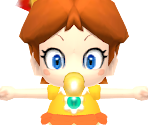
Baby Luigi
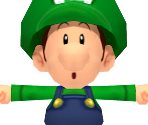
Baby Mario
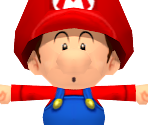
Baby Peach
Birdo
view_in_ar
Bowser
view_in_ar
Bowser Jr.
view_in_ar
Daisy
view_in_ar
Diddy Kong
view_in_ar
Donkey Kong
view_in_ar
Dry Bones
view_in_ar
Dry Bowser
view_in_ar
Funky Kong
view_in_ar
King Boo
view_in_ar

Koopa Troopa
view_in_ar
Luigi
view_in_ar
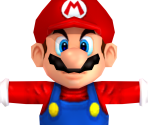
Mario
view_in_ar
Mii (Large)
Mii (Medium)
Mii (Small)
Peach
view_in_ar
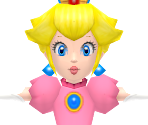
Rosalina
view_in_ar
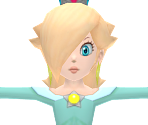
Toad
view_in_ar
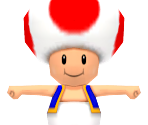
Toadette
view_in_ar
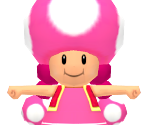
Waluigi
view_in_ar
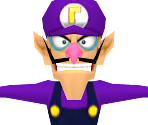
Wario
view_in_ar
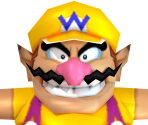
Yoshi
view_in_ar
arrow_drop_down
[16]
Karts
Blue Falcon
view_in_ar
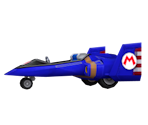
Booster Seat / Baby Booster
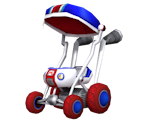
Cheep Charger
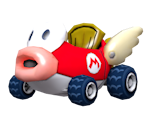
Classic Dragster / Nostalgia 1
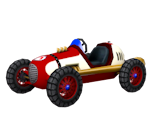
Daytripper / Royal Racer
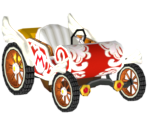
Flame Flyer
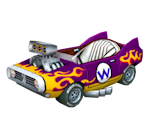
Honeycoupe / Dragonetti
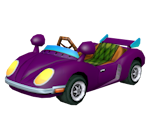
Jetsetter / Aero Glider
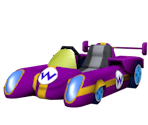
Mini Beast / Concerto
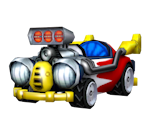
Offroader
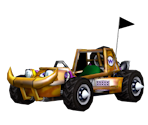
Piranha Prowler
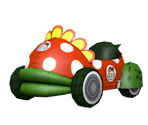
Sprinter / B Dasher Mk 2
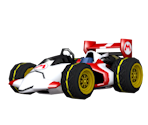
Standard Kart
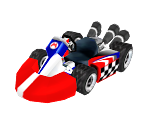
Super Blooper / Turbo Blooper
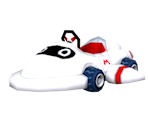
Tiny Titan / Rally Romper
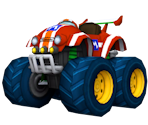
Wild Wing
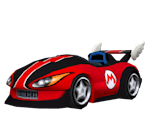
arrow_drop_down
[16]
Bikes
Bit Bike / Nanobike
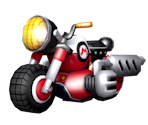
Bullet Bike
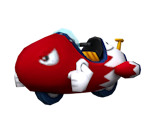
Dolphin Dasher
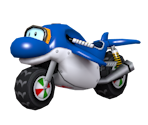
Flame Runner / Bowser Bike
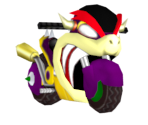
Jet Bubble / Bubble Bike
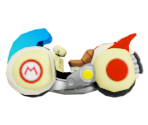
Mach Bike
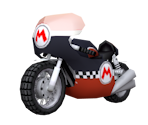
Magikruiser
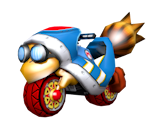
Phantom
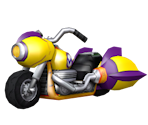
Quacker
view_in_ar
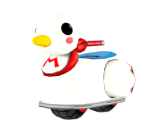
Shooting Star / Twinkle Star
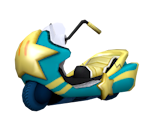
Sneakster / Nitrocycle
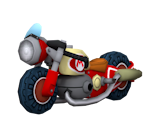
Spear / Torpedo
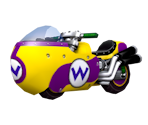
Standard Bike
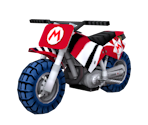
Sugarscoot / Bon Bon
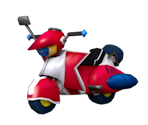
Wario Bike
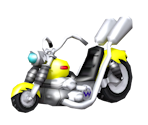
Zip Zip / Rapide
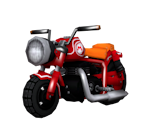
arrow_drop_down
[32]
Courses
Bowser's Castle
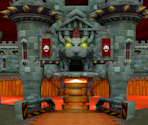
Coconut Mall
Daisy Circuit
DK Summit / DK's Snowboard Cross
Dry Dry Ruins
DS Delfino Square
DS Desert Hills
DS Peach Gardens
DS Yoshi Falls
GBA Bowser's Castle 3
GBA Shy Guy Beach
GCN DK Mountain
GCN Mario Circuit
GCN Peach Beach
GCN Waluigi Stadium
Grumble Volcano
Koopa Cape
Luigi Circuit
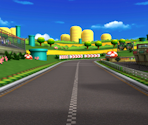
Maple Treeway
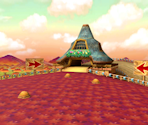
Mario Circuit
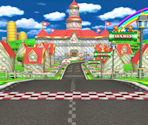
Moo Moo Meadows
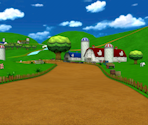
Moonview Highway
Mushroom Gorge
N64 Bowser's Castle
N64 DK's Jungle Parkway
N64 Mario Raceway
N64 Sherbet Land
Rainbow Road
view_in_ar
SNES Ghost Valley 2
SNES Mario Circuit 3
Toad's Factory
Wario's Gold Mine
arrow_drop_down
[11]
Battle Courses
Block Plaza
Chain Chomp Wheel / Roulette
Delfino Pier
DS Twilight House
Funky Stadium
Galaxy Colosseum / Arena
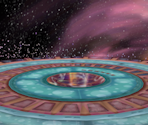
GBA Battle Course 3
GCN Cookie Land
N64 Skyscraper
SNES Battle Course 4
Thwomp Desert
arrow_drop_down
[28]
Course Objects
Angry Sun
view_in_ar
Bob-omb Car
Cars
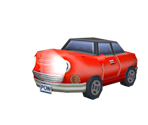
Cataquack
view_in_ar
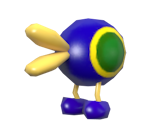
Chain Chomp
view_in_ar
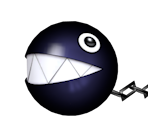
Cheep Cheep

Cheep Cheep Blimp
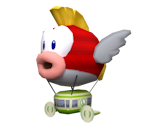
Cone
view_in_ar

Cow
view_in_ar
Fire Snake

Goomba
view_in_ar
Hot Air Balloon
view_in_ar
Monty Mole
view_in_ar

Penguins
view_in_ar

Piranha Plant
view_in_ar

Pokey
view_in_ar
River Boat
Seagull
view_in_ar

Shy Guy Snowboarder
Sidestepper
view_in_ar

Spectators
view_in_ar
Swoop
view_in_ar
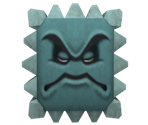
Thwomp
view_in_ar
Topman
view_in_ar
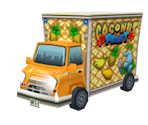
Trucks
Unagi
view_in_ar
Wiggler
view_in_ar
Yacht
view_in_ar

arrow_drop_down
[16]
Items
Banana
view_in_ar

Battle Balloon
view_in_ar
Blooper
view_in_ar

Bob-omb
view_in_ar
Bullet Bill
view_in_ar

Bullet Bill Transformation
view_in_ar

Golden Mushroom
view_in_ar
Item Box
Lightning

Mega Mushroom
view_in_ar
Mushroom
view_in_ar
POW Block
view_in_ar

Shells
view_in_ar
Spiny Shell
view_in_ar
Star
view_in_ar

Thunder Cloud
view_in_ar
arrow_drop_down
[9]
Trophies
Banana Cup Trophy
view_in_ar

Flower Cup Trophy
view_in_ar

Leaf Cup Trophy
view_in_ar
Lightning Cup Trophy

Mushroom Cup Trophy
view_in_ar

Shell Cup Trophy
view_in_ar

Special Cup Trophy
view_in_ar

Star Cup Trophy
view_in_ar

VS Trophy
view_in_ar

arrow_drop_down
[6]
Miscellaneous




Comments (71)
You must be logged in to post comments.
my favorite main as a kid was rosalina (even though i had no idea who she was or what galaxy was). i thought she was so pretty and i loved her. i should've realized i was a lesbian earlier lmao

You can no longer play as Luigi.

my first mario game i ever played, still my favourite to this day
@ShadowWolf2279 You're correct, the LOD model is used at far-away distances. And yes, the CPU model is used for CPUs and non-central racers, but only in split-screen multiplayer. In single-player, the CPUs and non-central racers also use the normal model.
I wanted to make sure I'm looking at this correct, but I see the CPU model, which is obviously used for CPUs and possibly players who the camera isn't focused on. I'm guessing the LOD model is used for the renders at far-away distances. And as for the regular old "model.dae", my best guess is it being used as the driver.szs and the racer the camera is focused on.
how do we fix the texture? it doesn't say anywhere
The texture for the "mii_balloon" object on Coconut Mall makes no sense. I'm trying to apply make the balloon a perfect circle in blender but I can't seem to get the texture to repeat itself properly. Does anyone know how this texture is supposed to be applied?
Ah yes, Mario Kart Wii. The game that is quite unpolished to the point of there being 23 unintended shortcuts (31 if we factor in the TAS shortcuts), but being polished just enough so that it's still playable. Although I do like this game, I would call it one of the worst Mario Kart games due to the extreme lack of polish. So many glitches, so many oddities, sub-par models, brutally unfair AI, shitty battle mode, and HORRIBLE vehicle balancing. Out of the 324 possible character/kart combinations in the entire game, people only use TWO of them.

@Aidandapro: They are included with each track.


Where are the minimaps? Didn't someone from the spriters resource say they are models?

Ah, I did think it was weird that the UVs seemed wrongly exported for just this model. Thanks for the info !
@POlivierFons: It's not that the UVs are wrongly exported for character eyes, but rather the developers set the horizontal scale for the eye material to 2.
I tested @SonicPman's solution and it does work on some cases (ex: the Flame Runner), better even than @BillyBnMOfficial's. I suspect this will be OK for most cases.
But on some others cases neither solution is enough, because the UV Map is wrongly exported by the tools. Ex Baby Mario's eyes / mouth. In that case, one needs to set the texture to mirror + move/resize the UV Map.
(To check the proper UV Map, it can be seen through BrawlCrate)
But on some others cases neither solution is enough, because the UV Map is wrongly exported by the tools. Ex Baby Mario's eyes / mouth. In that case, one needs to set the texture to mirror + move/resize the UV Map.
(To check the proper UV Map, it can be seen through BrawlCrate)

@SonicPman
Oh, I must have missed that for a while! I've actually thought about making fixes to textures and UVs anyway just in case anyone uses something different (don't know why)
I've been doing that for Mario & Sonic London 2012, actually
Oh, I must have missed that for a while! I've actually thought about making fixes to textures and UVs anyway just in case anyone uses something different (don't know why)
I've been doing that for Mario & Sonic London 2012, actually
Thankfully nowadays Blender has a "Mirror" mode under the bar that's usually labeled as "Repeat" which should fix the UV mapping.
BzarrTehAxolotl: That's just an Image Texture node, the Vector from the Combine XYZ just gets plugged into the Vector of the Image Texture.

What's the last node? It got cut off in the picture.
edit: nvm i found it
edit: nvm i found it
i think the tracks need to be somewhat re-ripped, they are missing vertex colors, notably with the toad's factory track
@Joker946 How do you make Ping-Pong nodes?
Edit: Never mind. I found it.
Edit: Never mind. I found it.
It's been a long time coming but I need to address this
To people mentioning things like the textures and UVs looking weird. Blame Nintendo, that's how they did it. So here's a pretty easy fix for the models UV mapping in this game (and to an extent a lot of others)

If any of you want to make a whole fixed texture variants be my guest, because I waited long enough to get everything up
To people mentioning things like the textures and UVs looking weird. Blame Nintendo, that's how they did it. So here's a pretty easy fix for the models UV mapping in this game (and to an extent a lot of others)
If any of you want to make a whole fixed texture variants be my guest, because I waited long enough to get everything up