Nubert
(Current scale is below 100% - zoom in to view full detail)
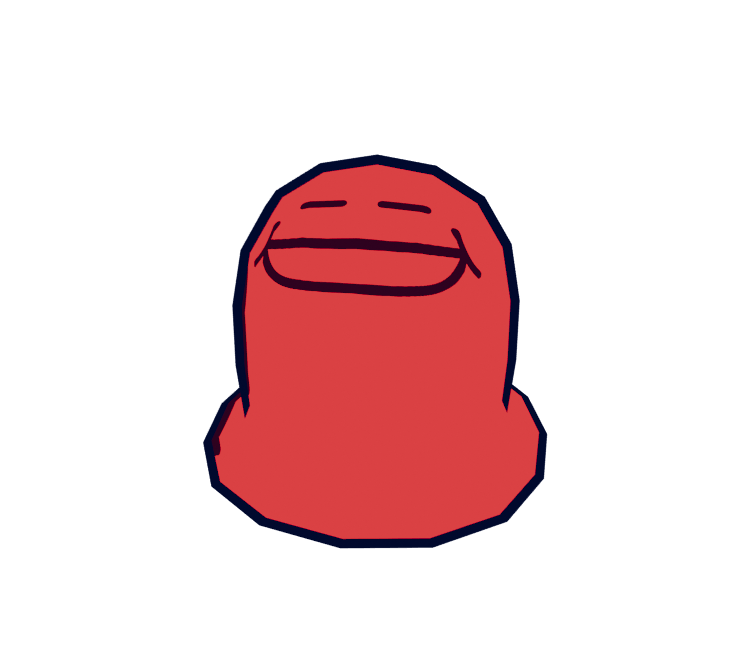
| Asset Info favorite | |
|---|---|
| Name | Nubert |
| Category | Custom / Edited |
| Game | Deltarune Customs |
| Section | Darkners |
| Submitted | August 9, 2024 |
| Uploaded By | G.U.N. |
| Size |
272.14 KB (6 files) arrow_right
|
| Format |
ZIP (application/zip) blend, blend1, mtl, obj, png |
| Hits | 2,313 |
Comments (7)
You must be logged in to post comments.

Reply to comment by G.U.N. posted Nov 20, 2026 4:08 AM
Also, make sure to set the thickness of the modifier to a number below zero. The best option is -0.16
If you apply a solidify modifier in blender, then flip the normals, then set the material offset option in the modifier to 1, then make a second material on your model that is pitch black, then set the backface culling of that material to camera mode by clicking the check box, then an outline will appear.
yoo sick, howd you make that outline??

Best man, I hope more jokes pop up with him in other chapters.

Amongus
My man!

Nubert!