Dragon Ball Legends
Dragon Ball Legends
arrow_drop_down
[15]
Sagas From the Movies
Bido
view_in_ar
Bird
view_in_ar
Bujin
Daiz
view_in_ar
Family Kamehameha
view_in_ar
Hirudegarn
view_in_ar
Icarus
Neiz
view_in_ar
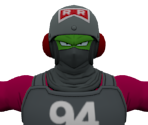
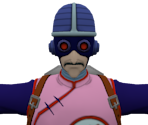
Piccolo (Red Ribbon Disguise)
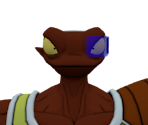
Pikkon
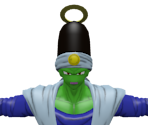
Rasin / Lakasei
view_in_ar
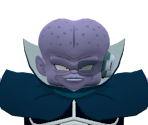
Salza
view_in_ar
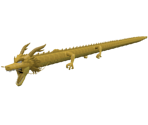
Shenron (Dragon Fist)
view_in_ar
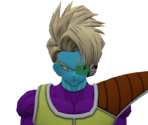
Sorbet
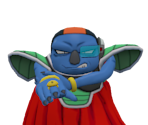
Videl (Broly - Second Coming)
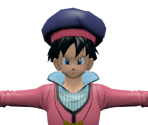
arrow_drop_down
[4]
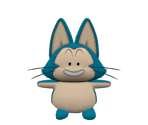
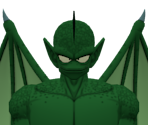
Dragon Ball Saga

arrow_drop_down
[2]
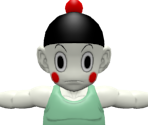
Saiyan Saga
arrow_drop_down
[2]
Cell Saga
arrow_drop_down
[3]
Frieza Saga
arrow_drop_down
[6]
Majin Buu Saga
Babidi
view_in_ar
Buu (Evil)
view_in_ar
Buu (Gohan Absorbed)
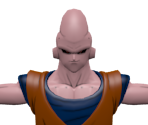
Buu (Super)
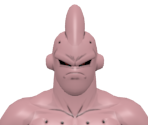
Puipui
view_in_ar
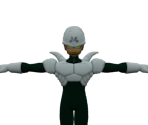
Stone Vegeta
view_in_ar
arrow_drop_down
[2]
Frieza Resurrected Saga
arrow_drop_down
[6]
DAIMA Saga
Glorio
Goku (Daima, Super Saiyan 4)
Goku (Daima, Super Saiyan)
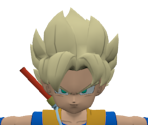
Goku (Daima)
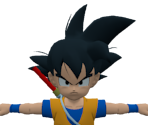
Vegeta (Super Saiyan 3, Adult)
view_in_ar
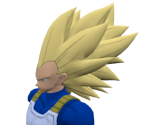
Vegeta (Super Saiyan 3, Mini)
view_in_ar
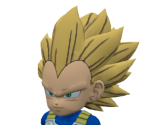
arrow_drop_down
[3]
Super Baby Saga (GT)
arrow_drop_down
[11]
Universe Survival Saga
Basil
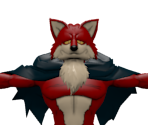
Bergamo
view_in_ar
Champa
Dyspo
Jiren
Jiren (Full Power)
Kahseral
Lavender
view_in_ar
Toppo
Toppo (God of Destruction)
Vados
arrow_drop_down
[2]
Black Star Dragon Ball Saga (GT)
arrow_drop_down
[1]
DRAGON BALL 40th Anniversary
arrow_drop_down
[3]
Shadow Dragon Saga (GT)
arrow_drop_down
[2]
God of Destruction Champa Saga
arrow_drop_down
[2]
Androids Saga
Comments (7)
You must be logged in to post comments.

Reply to comment by MG64 posted Apr 15, 2026 2:52 AM
Glad to see they went with that
Might be a good idea to group character models by the Saga they originate from

Hold on. who is recoloring the textures?? or how are the diffuse textures being ripped with the color??
Bergamo looks sick in this game!
The newer Ultra models have a unique artstyle to them. i'd rip them, but ninja ripper is being stupid and only giving otu logs, not .nr files. >:(

@vinitad11 I don't know if it still works, but if you use an old version of Nox app player, like 6.2.2 or something like that and ninjaripper you can rip models from the game, of course they would be boneless, but you can always rig them to a MMD skeleton and then port them to whatever program you need afterwards with blender.

How can i extract the models from the game ? I want to 3d printing but i don't know how extract the model