Sonic the Hedgehog (2006)
Sonic the Hedgehog (2006)
arrow_drop_down
[12]
Playable Characters
Amy
view_in_ar

Blaze the Cat
view_in_ar

E-123 Omega
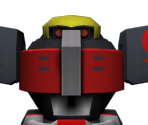
Knuckles
view_in_ar

Rouge the Bat

Shadow
view_in_ar

Silver
view_in_ar

Sonic
view_in_ar

Super Shadow
view_in_ar

Super Silver
view_in_ar

Super Sonic
view_in_ar

Tails
view_in_ar

arrow_drop_down
[3]
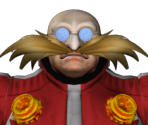
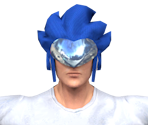
Non-Playable Characters

arrow_drop_down
[4]
Enemies
Biter and Stalker
view_in_ar
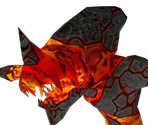
Crawler and Gazer
view_in_ar
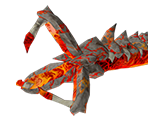
Egg Gunner
view_in_ar
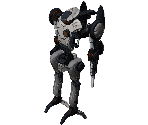
Iblis Golem
view_in_ar
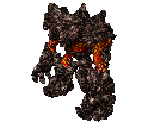
arrow_drop_down
[7]
Bosses
Egg Cerberus
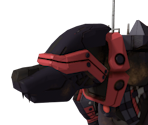
Egg Cerberus
view_in_ar
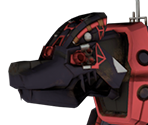
Egg Wyvern
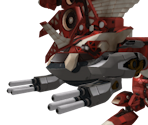
Iblis (Phase 1)
view_in_ar
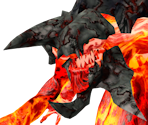
Iblis (Phase 2)
view_in_ar
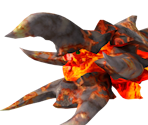
Iblis (Phase 3)
view_in_ar
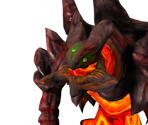
Mephiles the Dark
view_in_ar

arrow_drop_down
[13]
Objects
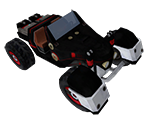
Buggy
view_in_ar
Chaos Emeralds
view_in_ar

Checkpoint
view_in_ar
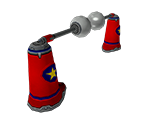
Dash Ring
view_in_ar
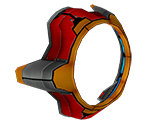
Dashpad
view_in_ar
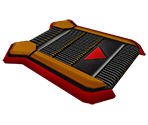
Egg Carrier
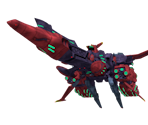
Glider
view_in_ar
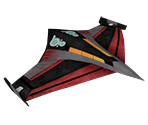
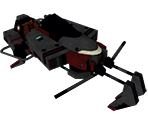
Hovercraft
view_in_ar
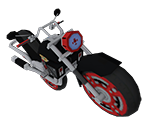
Motorcycle
view_in_ar
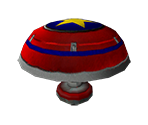
Spring
view_in_ar
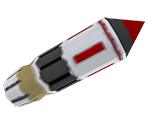
Vehicle Missile
view_in_ar
Wide Spring
view_in_ar
Wood Box
view_in_ar

arrow_drop_down
[1]
Town Stages
arrow_drop_down
[4]
Stages
arrow_drop_down
[1]
Cutscene Locations
Comments (131)
You must be logged in to post comments.
Is it just me or do these characters look taller and more skinnier than their original counterparts?
Omg thas a lot of pending sonics

those rainbow textures are normal maps. '06 uses world space on characters, so that's why they look like that. for the actual colours for the models, you're going to need to open the xno file in a hex editor and look for the material colours as there's currently no tools to rip them for you
Guys you know there are material shader textures in the image folders of the models. The things that look like rainbow textures. That's the material. That's why you get extra textures in your models.. for proper texture mapping. You can just blend those together in a way where material is a bit better. And probably saturate it. I can teach you how if you like

@JetTheFox96: That's normal, the face is a separate model.

I need help. When I ripped my models I opened the 3d viewer to view animations but the face was gone. All I saw was the root body and the eyes and nose but no face.. why is that?
I am currently ripping stages and enemies. I have ripped characters with their animations but meh whatever
*uploads a model*
>>> NOW LOADING... >>>
>>> NOW LOADING... >>>
HOORAY WAVE OCEAN IS COMING
It's obviously gonna take years to be approved
Which stinks in my opinion lol
It's obviously gonna take years to be approved
Which stinks in my opinion lol
wait wtf
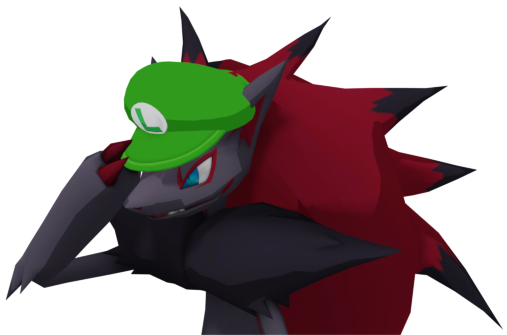
* Sees Eggman
* Goes to the Sonic 06 page
* Sees that the models have pale colors
* COVERS EYES
* Goes to the Sonic 06 page
* Sees that the models have pale colors
* COVERS EYES
@JetTheFox96: No he's not, because we don't accept stolen rips (you were quite literally re-submitting the old rip that was removed, unchanged).
Sonic is pending rn
The models look washed out because. SEGA and the rest of the dev team used shaders on them to make it look a lot better in-game. I suggest you go into photoshop or whatever photo manipulating software you have and edit to your liking ;)

Is it possible for theses to get rigged?

im pretty sure i saw a really good sonic 2006 sonic in vr chat with very accurate textures idk if its the real textures or not
@JoeyD2015: Texture-wise, or model-wise? If the former, that's because they have shader effects in-game that aren't applied to the renders. If the latter, probably not unless they don't have rigging (in that case they can be re-ripped).
all the characters look bad here i think they need reuploading
@Random Talking Bush Ah, Ok Thanks! :-)
@Erfgs45: It was removed for being a bad rip with improper (edited) textures.