Cortana
(Current scale is below 100% - zoom in to view full detail)
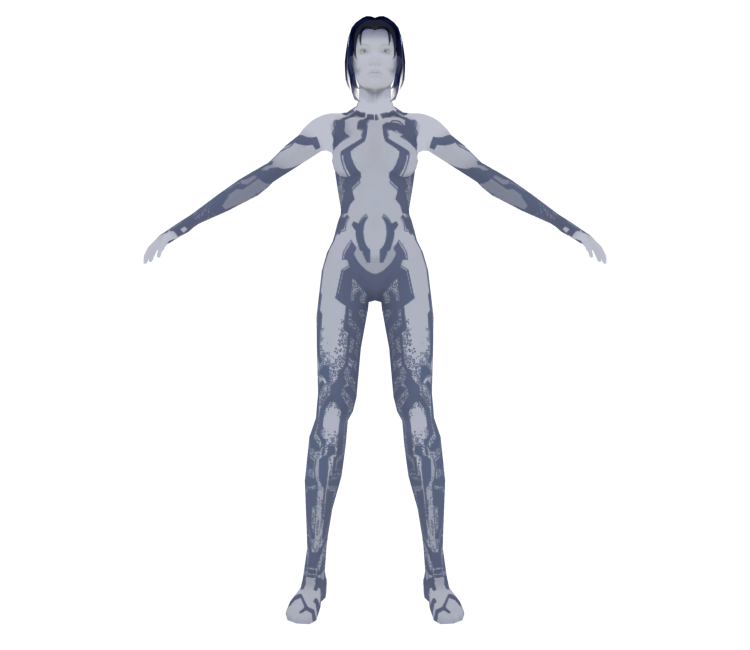
| Asset Info favorite | |
|---|---|
| Name | Cortana |
| Category | Xbox 360 |
| Game | Halo 3 |
| Section | Characters |
| Submitted | A long, long time ago |
| Uploaded By | Shadowth117 |
| Size |
2.38 MB (13 items) arrow_right
|
| Format |
ZIP (application/zip) dae, mtl, obj, png, smd, txt |
| Hits | 29,432 |
| Tags (1): | |
Comments (2)
You must be logged in to post comments.

trevor403 I'm 12 years later, if you're using any Blender version I recommend you to connect the alpha socket of Image Texture and connect it to Alpha (Principled BSDF) and go to Texture Properties and search Settings you'll see many options search for Blend Mode the first option Opaque Blend change it for Alpha Blend

Has anyone figured out how to apply Cortana's alpha map?