Super Mario Bros. Wonder
Super Mario Bros. Wonder
| Game Info arrow_drop_down favorite | |
|---|---|
| Category | Nintendo Switch |
| Assets | 70 |
| Hits | 284,240 |
| Comments | 155 |
| Tags (18): arrow_right | |
|
Alternative Names (5):
arrow_right
슈퍼 마리오브라더스 원더 (Korean), スーパーマリオブラザーズ ワンダー (Japanese), 超級瑪利歐兄弟 驚奇 (Chinese), 超级马力欧兄弟 惊奇 (Chinese), 超级马力欧惊奇 (Chinese)
|
|
arrow_drop_down
[7]
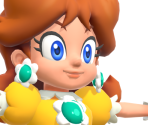
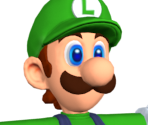
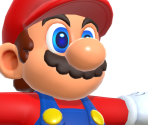
Playable Characters
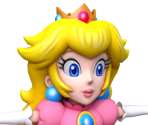
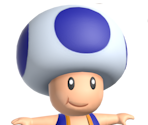


arrow_drop_down
[6]
Non-Playable Characters
Ancient Dragon
view_in_ar

Bowser
view_in_ar
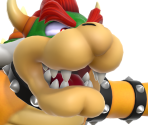
Captain Toad
view_in_ar
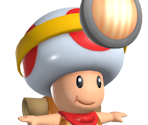
Poplin
view_in_ar
Prince Florian
view_in_ar
Talking Flower
view_in_ar

arrow_drop_down
[39]
Enemies & Bosses
Anglefish
view_in_ar
Armad
view_in_ar

Baboom
view_in_ar
Blewbird
view_in_ar
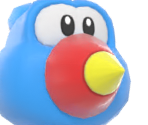
Bloomp
view_in_ar
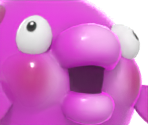
Bob-omb
view_in_ar
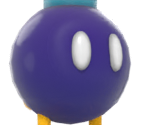
Boo
view_in_ar

Bowser Jr.
view_in_ar
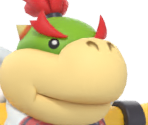
Bulrush
view_in_ar
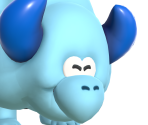
Buzzy Beetle
view_in_ar

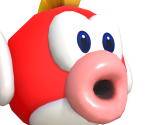
Cheep Cheep
view_in_ar
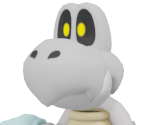
Dry Bones
view_in_ar
Gnawsher
view_in_ar
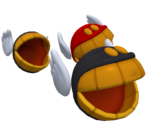
Goomba
view_in_ar

Goombrat
view_in_ar
Hammer Bro
view_in_ar
King Boo
view_in_ar
Koopa Troopa
view_in_ar
Lava Bubble
view_in_ar
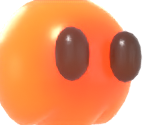
Maw-Maw
view_in_ar
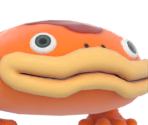
Missile Meg
view_in_ar

Ninji
view_in_ar
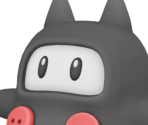
Nipper Plant
view_in_ar

Noknok
view_in_ar
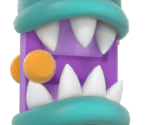
Outmaway
view_in_ar

Piranha Plant
view_in_ar

Pokey
view_in_ar
Revver
view_in_ar

Rift Koopa
view_in_ar
Robbird
view_in_ar

Rolla Koopa
view_in_ar

Serpont
view_in_ar
Skedaddler
view_in_ar
Sluglug
view_in_ar
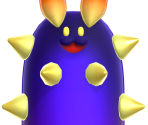
Smackerel
view_in_ar
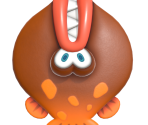
Snortoise

Sproing
view_in_ar
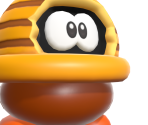
Thwomp
view_in_ar
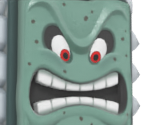
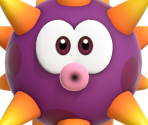
Urchin
view_in_ar
arrow_drop_down
[11]
Items
Bubble Flower
view_in_ar

Drill Mushroom
view_in_ar

Elephant Fruit
view_in_ar

Fire Flower
view_in_ar

Key
view_in_ar

Royal Seed

Standees
view_in_ar

Super / 1-Up Mushroom
view_in_ar

Super Star
view_in_ar

Wonder Flower

Wonder Seed

arrow_drop_down
[2]
Objects

arrow_drop_down
[5]
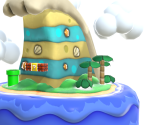
World Map
Comments (155)
You must be logged in to post comments.
Ah, I didn't know this game had so many models. I thought most of these were sprites.

Damn it
@DonkeKong: Due to the high number of pending submissions across the whole site, the models for this game will not be reviewed for a few months.


why hasn't mario or any other character been accepted??
@badpiggie09: You should see a big green plus icon at the top of this page; this will allow you to submit models for this game. People can use these models for all types of personal projects, too. Ripping models from the Nintendo Switch all depends on the game you're ripping from, but for this game specifically, you can use a tool called SwitchToolbox for ripping models. I hope that answers your questions!
how do yall upload models? and what are they for? like can i use them for unity? also how do you rip models from the switch and stuff? just curious im trying to make my own fangame for a hat in time

how do i upload my models?
wonder if anyone will try to remake smbw in roblox
roblox
supports models by using "meshes"
supports normal maps
supports rigged mesh animations
roblox
supports models by using "meshes"
supports normal maps
supports rigged mesh animations
@Nolanfly: Nothing has been prioritised; the Detective Pikachu Returns models were submitted by a staff member, they get automatic approval for their submissions. If I recall correctly, there is only one staff member working their way through the queue. There are also 3800+ models in the queue, you’ll just have to be patient.
The green channel is used to store a metalness map, so if it's pitch black, it's not used (thus a waste of space to include). So far I haven't seen anything use the blue channel yet.
@Fawfulthegreat64: Yeah, I think it would be best to include them.

I'm getting completely black images for the blue and green channels of the mix textures. Are those still important to include (it would literally be 2 solid black images per texture)
For anyone having trouble with the colour of the normal maps or the mix textures, be sure to uncheck the box that states "Use Texture Channel Swaps" when exporting a model in SwitchToolbox.
@TheFredDude Right click the model in Toolbox and click export. It will save as a DAE by default. You will need to extract the ROM first, However.
Hi am curious on how to export these models? i always had trouble exporting switch models.
@JamieAnimations: Currently, there's a wait time of a few months.

How long does it take for a model to normally be accepted?
I heard somewhere that the blue channel didn't do anything, Because the red and green channels did all the work anyway. It still ended up looking blue.
@MicroSRB2: Actually, you should set the blue channel from "Zero" to "Blue", not "Zero" to "One".
Actually, I found out how to do it in Toolbox just now. I select the blue channel, And set it from Zero to One.