Pokémon Legends: Z-A
Pokémon Legends: Z-A
| Game Info arrow_drop_down favorite | |
|---|---|
| Category | Nintendo Switch |
| Assets | 473 |
| Hits | 179,231 |
| Comments | 36 |
| Tags (10): arrow_right | |
arrow_drop_down
[84]
Pokémon (1st Generation)
#0001 Bulbasaur
view_in_ar

#0002 Ivysaur
view_in_ar

#0003 Mega Venusaur
view_in_ar
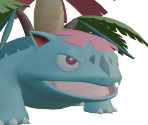
#0003 Venusaur
view_in_ar
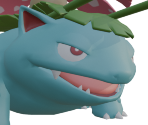
#0004 Charmander
view_in_ar
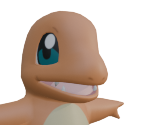
#0005 Charmeleon
view_in_ar
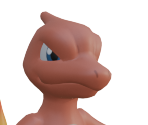
#0006 Charizard
view_in_ar
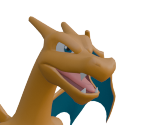
#0006 Mega Charizard X
view_in_ar
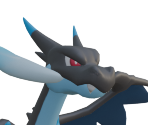
#0006 Mega Charizard Y
view_in_ar
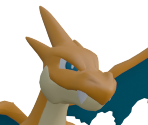
#0007 Squirtle
view_in_ar

#0008 Wartortle
view_in_ar
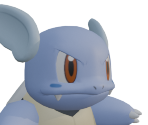
#0009 Blastoise
view_in_ar

#0009 Mega Blastoise
view_in_ar
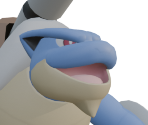
#0013 Weedle
view_in_ar

#0014 Kakuna
view_in_ar
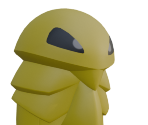
#0015 Beedrill
view_in_ar
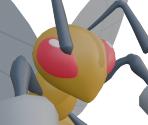
#0015 Mega Beedrill
view_in_ar
#0016 Pidgey
view_in_ar
#0017 Pidgeotto
view_in_ar
#0018 Mega Pidgeot
view_in_ar
#0018 Pidgeot
view_in_ar
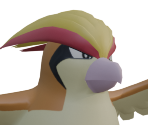
#0023 Ekans
view_in_ar

#0024 Arbok
view_in_ar

#0025 Pikachu
view_in_ar

#0026 Mega Raichu X
view_in_ar
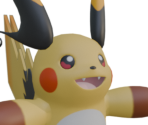
#0026 Mega Raichu Y
view_in_ar

#0026 Raichu
view_in_ar
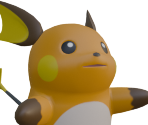
#0035 Clefairy
view_in_ar

#0036 Clefable
view_in_ar
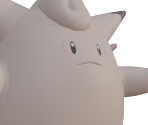
#0036 Mega Clefable
view_in_ar
#0039 Jigglypuff
view_in_ar

#0040 Wigglytuff
view_in_ar
#0041 Zubat
view_in_ar

#0042 Golbat
view_in_ar

#0056 Mankey
view_in_ar
#0057 Primeape
view_in_ar
#0063 Abra
view_in_ar
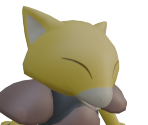
#0064 Kadabra
view_in_ar
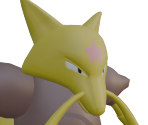
#0065 Alakazam
view_in_ar
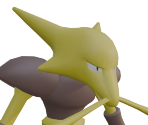
#0065 Mega Alakazam
view_in_ar
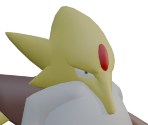
#0066 Machop
view_in_ar
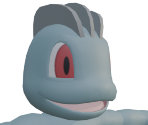
#0067 Machoke
view_in_ar
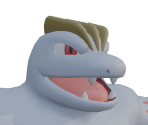
#0068 Machamp
view_in_ar
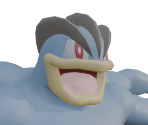
#0069 Bellsprout
view_in_ar

#0070 Weepinbell
view_in_ar
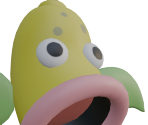
#0071 Mega Victreebel
view_in_ar
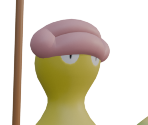
#0071 Victreebel
view_in_ar
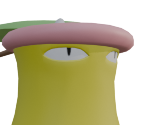
#0079 Slowpoke
view_in_ar
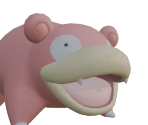
#0080 Mega Slowbro
view_in_ar
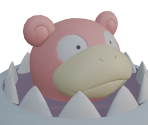
#0080 Slowbro
view_in_ar
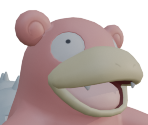
#0083 Farfetchd
view_in_ar
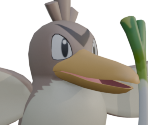
#0092 Gastly
view_in_ar

#0093 Haunter
view_in_ar

#0094 Gengar
view_in_ar

#0094 Mega Gengar
view_in_ar

#0095 Onix
view_in_ar
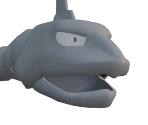
#0104 Cubone
view_in_ar
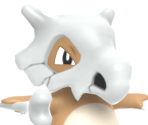
#0105 Marowak
view_in_ar
#0105 Marowak (Alolan)
view_in_ar
#0115 Kangaskhan
view_in_ar
#0120 Staryu
view_in_ar
#0121 Mega Starmie
view_in_ar
#0121 Starmie
view_in_ar
#0122 Mr. Mime
view_in_ar
#0123 Scyther
view_in_ar
#0127 Mega Pinsir
view_in_ar
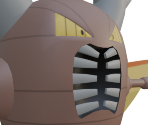
#0127 Pinsir
view_in_ar
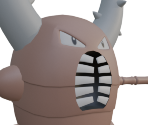
#0129 Magikarp
view_in_ar

#0130 Gyarados
view_in_ar
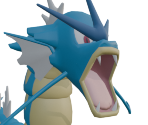
#0130 Mega Gyarados
view_in_ar
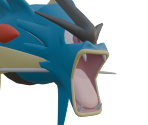
#0133 Eevee
view_in_ar
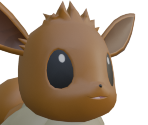
#0134 Vaporeon
view_in_ar

#0135 Jolteon
view_in_ar
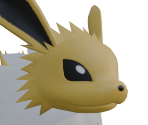
#0136 Flareon
view_in_ar
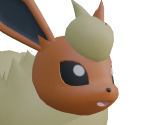
#0137 Porygon
view_in_ar
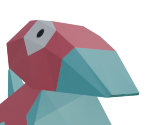
#0142 Aerodactyl
view_in_ar
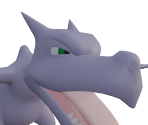
#0142 Mega Aerodactyl
view_in_ar
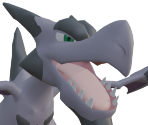
#0147 Dratini
view_in_ar

#0148 Dragonair
view_in_ar
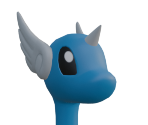
#0149 Dragonite
view_in_ar
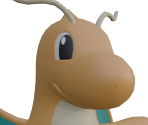
#0149 Mega Dragonite
view_in_ar
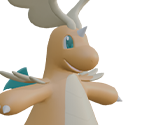
#0150 Mega Mewtwo X
view_in_ar
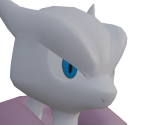
#0150 Mega Mewtwo Y
view_in_ar

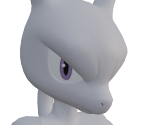
#0150 Mewtwo
view_in_ar
arrow_drop_down
[39]
Pokémon (2nd Generation)
#0152 Chikorita
view_in_ar

#0153 Bayleef
view_in_ar
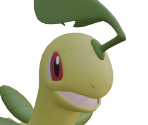
#0154 Mega Meganium
view_in_ar

#0154 Meganium
view_in_ar

#0158 Totodile
view_in_ar
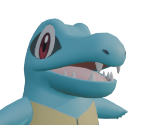
#0159 Croconaw
view_in_ar
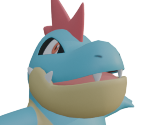
#0160 Feraligatr
view_in_ar
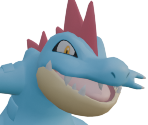
#0160 Mega Feraligatr
view_in_ar
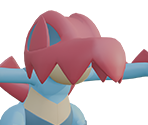
#0167 Spinarak
view_in_ar
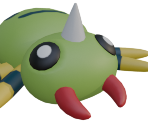
#0168 Ariados
view_in_ar
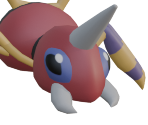
#0169 Crobat
view_in_ar
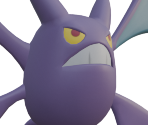
#0172 Pichu
view_in_ar
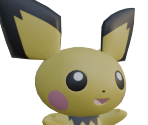
#0173 Cleffa
view_in_ar

#0174 Igglybuff
view_in_ar

#0179 Mareep
view_in_ar
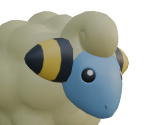
#0180 Flaaffy
view_in_ar
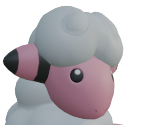
#0181 Ampharos
view_in_ar
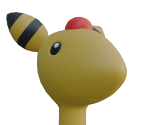
#0181 Mega Ampharos
view_in_ar

#0196 Espeon
view_in_ar

#0197 Umbreon
view_in_ar
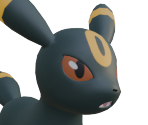
#0199 Slowking
view_in_ar
#0208 Mega Steelix
view_in_ar
#0208 Steelix
view_in_ar
#0211 Qwilfish
view_in_ar

#0212 Mega Scizor
view_in_ar
#0212 Scizor
view_in_ar
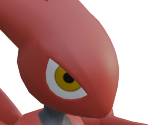
#0214 Heracross
view_in_ar

#0214 Mega Heracross
view_in_ar
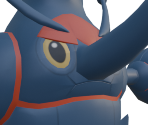
#0225 Delibird
view_in_ar
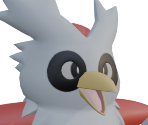
#0227 Mega Skarmory
view_in_ar
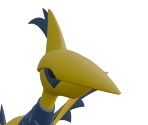
#0227 Skarmory
view_in_ar
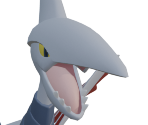
#0228 Houndour
view_in_ar
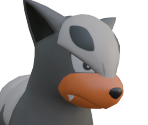
#0229 Houndoom
view_in_ar
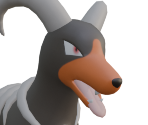
#0229 Mega Houndoom
view_in_ar
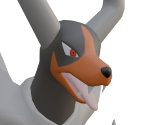
#0233 Porygon2
view_in_ar

#0246 Larvitar
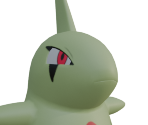
view_in_ar
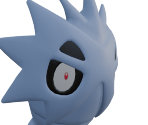
#0247 Pupitar
view_in_ar
#0248 Mega Tyranitar
view_in_ar
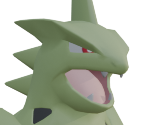
#0248 Tyranitar
view_in_ar

arrow_drop_down
[70]
Pokémon (3rd Generation)
#0252 Treecko
view_in_ar
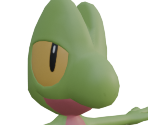
#0253 Grovyle
view_in_ar

#0254 Mega Sceptile
view_in_ar
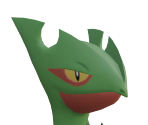
#0254 Sceptile
view_in_ar
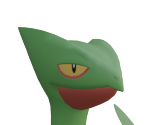
#0255 Torchic
view_in_ar

#0256 Combusken
view_in_ar
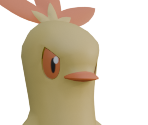
#0257 Blaziken
view_in_ar
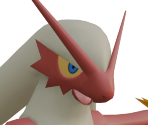
#0257 Mega Blaziken
view_in_ar
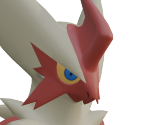
#0258 Mudkip
view_in_ar

#0259 Marshtomp
view_in_ar

#0260 Mega Swampert
view_in_ar
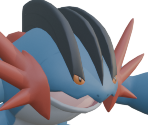
#0260 Swampert
view_in_ar
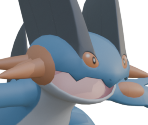
#0280 Ralts
view_in_ar
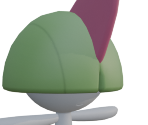
#0281 Kirlia
view_in_ar
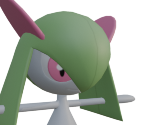
#0282 Gardevoir
view_in_ar
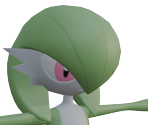
#0282 Mega Gardevoir
view_in_ar
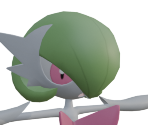
#0302 Mega Sableye
view_in_ar
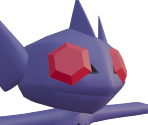
#0302 Sableye
view_in_ar
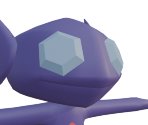
#0303 Mawile
view_in_ar

#0303 Mega Mawile
view_in_ar
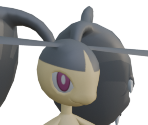
#0304 Aron
view_in_ar

#0305 Lairon
view_in_ar
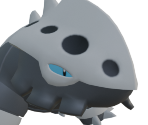
#0306 Aggron
view_in_ar

#0306 Mega Aggron
view_in_ar
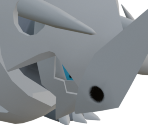
#0307 Meditite
view_in_ar

#0308 Medicham
view_in_ar

#0308 Mega Medicham
view_in_ar

#0309 Electrike
view_in_ar
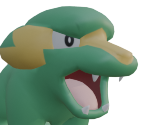
#0310 Manectric
view_in_ar
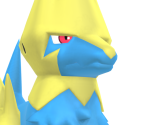
#0310 Mega Manectric
view_in_ar
#0315 Roselia
view_in_ar
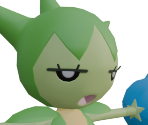
#0316 Gulpin
view_in_ar

#0317 Swalot
view_in_ar

#0318 Carvanha
view_in_ar
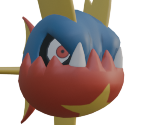
#0319 Mega Sharpedo
view_in_ar

#0319 Sharpedo
view_in_ar

#0322 Numel
view_in_ar
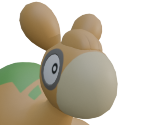
#0323 Camerupt
view_in_ar
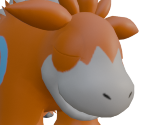
#0323 Mega Camerupt
view_in_ar
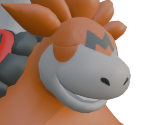
#0325 Spoink
view_in_ar
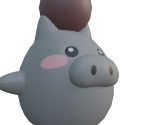
#0326 Grumpig
view_in_ar

#0333 Swablu
view_in_ar

#0334 Altaria
view_in_ar

#0334 Mega Altaria
view_in_ar

#0335 Zangoose
view_in_ar
#0336 Seviper
view_in_ar
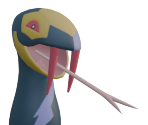
#0349 Feebas
view_in_ar
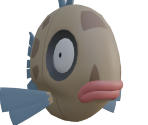
#0350 Milotic
view_in_ar
#0353 Shuppet
view_in_ar

#0354 Banette
view_in_ar

#0358 Chimecho
view_in_ar

#0358 Mega Chimecho
view_in_ar

#0359 Absol
view_in_ar

#0359 Mega Absol
view_in_ar
#0359 Mega Absol Z
view_in_ar
#0361 Snorunt
view_in_ar
#0362 Glalie
view_in_ar
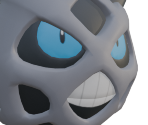
#0371 Bagon
view_in_ar

#0372 Shelgon
view_in_ar
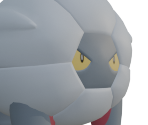
#0373 Mega Salamence
view_in_ar

#0373 Salamence
view_in_ar
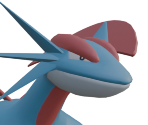
#0374 Beldum
view_in_ar
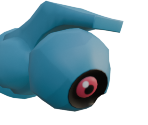
#0375 Metang
view_in_ar
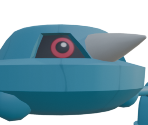
#0376 Mega Metagross
view_in_ar

#0376 Metagross
view_in_ar

#0380 Latias
view_in_ar
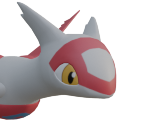
#0381 Latios
view_in_ar

#0382 Kyogre
view_in_ar

#0383 Groudon
view_in_ar
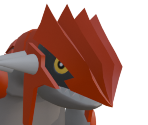
#0384 Rayquaza
view_in_ar
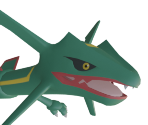
arrow_drop_down
[33]
Pokémon (4th Generation)
#0398 Mega Staraptor
view_in_ar
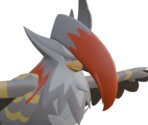
#0406 Budew
view_in_ar
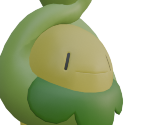
#0407 Roserade
view_in_ar

#0427 Buneary
view_in_ar

#0428 Lopunny
view_in_ar
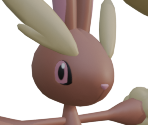
#0428 Mega Lopunny
view_in_ar
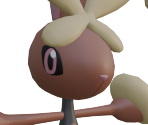
#0433 Chingling
view_in_ar

#0439 Mime Jr.
view_in_ar

#0443 Gible
view_in_ar

#0444 Gabite
view_in_ar

#0445 Garchomp
view_in_ar
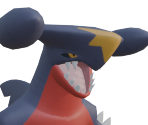
#0445 Mega Garchomp
view_in_ar
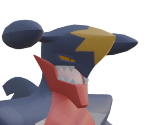
#0445 Mega Garchomp Z
view_in_ar
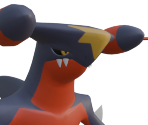
#0447 Riolu
view_in_ar

#0448 Lucario
view_in_ar
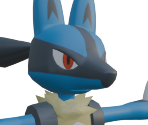
#0448 Mega Lucario
view_in_ar
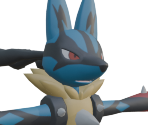
#0448 Mega Lucario Z
view_in_ar
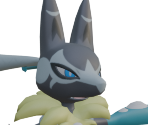
#0449 Hippopotas
view_in_ar
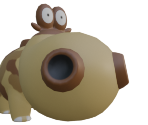
#0450 Hippowdon
view_in_ar
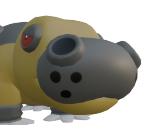
#0459 Snover
view_in_ar
#0460 Abomasnow
view_in_ar
#0460 Mega Abomasnow
view_in_ar
#0470 Leafeon
view_in_ar

#0471 Glaceon
view_in_ar
#0474 Porygon-Z
view_in_ar
#0475 Gallade
view_in_ar
#0475 Mega Gallade
view_in_ar
#0478 Froslass
view_in_ar
#0478 Mega Froslass
view_in_ar

#0479 Rotom
view_in_ar
#0485 Mega Heatran
view_in_ar
#0491 Darkrai
view_in_ar
#0491 Mega Darkrai
view_in_ar
arrow_drop_down
[60]
Pokémon (5th Generation)
#0498 Tepig
view_in_ar
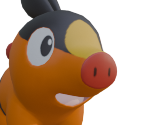
#0499 Pignite
view_in_ar

#0500 Emboar
view_in_ar

#0500 Mega Emboar
view_in_ar

#0504 Patrat
view_in_ar

#0505 Watchog
view_in_ar

#0509 Purrloin
view_in_ar

#0510 Liepard
view_in_ar
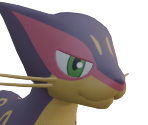
#0511 Pansage
view_in_ar

#0512 Simisage
view_in_ar
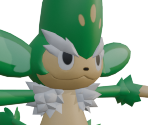
#0513 Pansear
view_in_ar

#0514 Simisear
view_in_ar

#0515 Panpour
view_in_ar

#0516 Simipour
view_in_ar
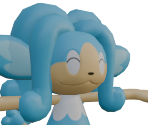
#0517 Munna
view_in_ar

#0518 Musharna
view_in_ar
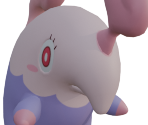
#0529 Drilbur
view_in_ar
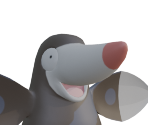
#0530 Excadrill
view_in_ar
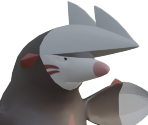
#0530 Mega Excadrill
view_in_ar
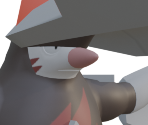
#0531 Audino
view_in_ar
#0531 Mega Audino
view_in_ar
#0538 Throh
view_in_ar

#0539 Sawk
view_in_ar
#0543 Venipede
view_in_ar
#0544 Whirlipede
view_in_ar
#0545 Mega Scolipede
view_in_ar
#0545 Scolipede
view_in_ar
#0551 Sandile
view_in_ar
#0552 Krokorok
view_in_ar
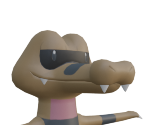
#0553 Krookodile
view_in_ar
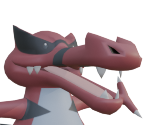
#0559 Scraggy
view_in_ar

#0560 Mega Scrafty
view_in_ar

#0560 Scrafty
view_in_ar

#0563 Cofagrigus
view_in_ar
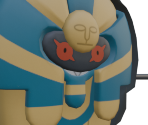
#0568 Trubbish
view_in_ar

#0569 Garbodor
view_in_ar

#0582 Vanillite
view_in_ar
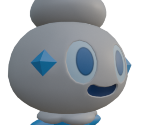
#0583 Vanillish
view_in_ar

#0584 Vanilluxe
view_in_ar
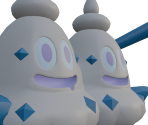
#0587 Emolga
view_in_ar
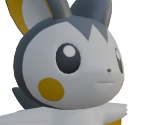
#0590 Foongus
view_in_ar

#0591 Amoonguss
view_in_ar

#0602 Tynamo
view_in_ar
#0603 Eelektrik
view_in_ar
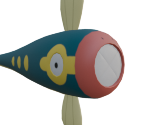
#0604 Eelektross
view_in_ar
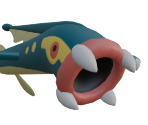
#0604 Mega Eelektross
view_in_ar
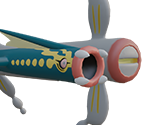
#0607 Litwick
view_in_ar

#0608 Lampent
view_in_ar
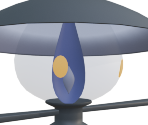
#0609 Chandelure
view_in_ar
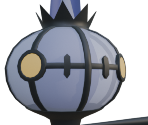
#0609 Mega Chandelure
view_in_ar

#0615 Cryogonal
view_in_ar
#0618 Stunfisk
view_in_ar
#0622 Golett
view_in_ar
#0623 Golurk
view_in_ar

#0623 Mega Golurk
view_in_ar
#0638 Cobalion
view_in_ar
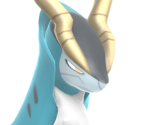
#0639 Terrakion
view_in_ar
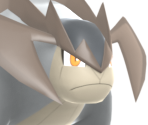
#0640 Virizion
view_in_ar
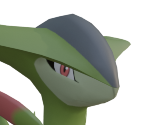
#0647 Keldeo
view_in_ar
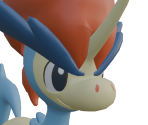
#0649 Genesect
view_in_ar
arrow_drop_down
[81]
Pokémon (6th Generation)
#0650 Chespin
view_in_ar

#0651 Quilladin
view_in_ar

#0652 Chesnaught
view_in_ar

#0652 Mega Chesnaught
view_in_ar
#0653 Fennekin
view_in_ar
#0654 Braixen
view_in_ar
#0655 Delphox
view_in_ar
#0655 Mega Delphox
view_in_ar
#0656 Froakie
view_in_ar

#0657 Frogadier
view_in_ar

#0658 Greninja
view_in_ar
#0658 Mega Greninja
view_in_ar
#0659 Bunnelby
view_in_ar
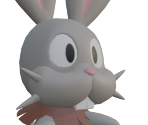
#0660 Diggersby
view_in_ar
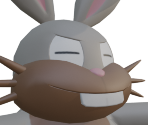
#0661 Fletchling
view_in_ar
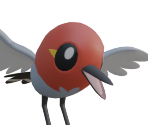
#0662 Fletchinder
view_in_ar
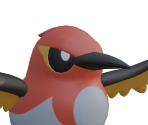
#0663 Talonflame
view_in_ar
#0664 Scatterbug
view_in_ar
#0665 Spewpa
view_in_ar
#0666 Vivillon
view_in_ar

#0667 Litleo
view_in_ar

#0668 Mega Pyroar
view_in_ar
#0668 Pyroar
view_in_ar
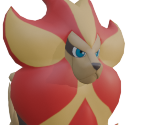
#0668 Pyroar (Female)
view_in_ar

#0669 Flabebe
view_in_ar
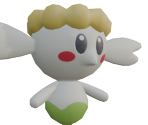
#0670 Floette
view_in_ar

#0670 Mega Floette
view_in_ar

#0671 Florges
view_in_ar
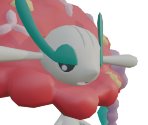
#0672 Skiddo
view_in_ar
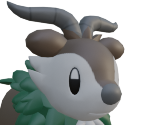
#0673 Gogoat
view_in_ar
#0674 Pancham
view_in_ar

#0675 Pangoro
view_in_ar

#0676 Furfrou
view_in_ar
#0677 Espurr
view_in_ar

#0678 Mega Meowstic
view_in_ar
#0678 Meowstic
view_in_ar
#0679 Honedge
view_in_ar
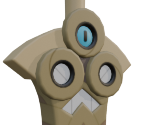
#0680 Doublade
view_in_ar
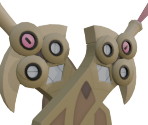
#0681 Aegislash
view_in_ar
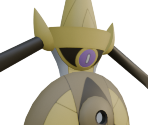
#0682 Spritzee
view_in_ar
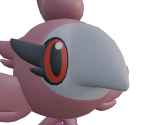
#0683 Aromatisse
view_in_ar
#0684 Swirlix
view_in_ar
#0685 Slurpuff
view_in_ar
#0686 Inkay
view_in_ar

#0687 Malamar
view_in_ar
#0687 Mega Malamar
view_in_ar
#0688 Binacle
view_in_ar
#0689 Barbaracle
view_in_ar
#0689 Mega Barbaracle
view_in_ar
#0690 Skrelp
view_in_ar

#0691 Dragalge
view_in_ar
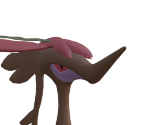
#0691 Mega Dragalge
view_in_ar
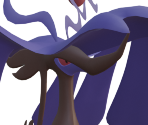
#0692 Clauncher
view_in_ar
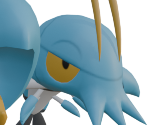
#0693 Clawitzer
view_in_ar

#0694 Helioptile
view_in_ar
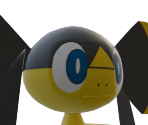
#0695 Heliolisk
view_in_ar

#0696 Tyrunt
view_in_ar
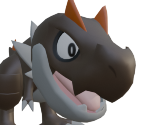
#0697 Tyrantrum
view_in_ar
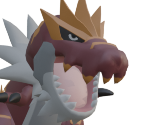
#0698 Amaura
view_in_ar

#0699 Aurorus
view_in_ar
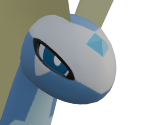
#0700 Sylveon
view_in_ar

#0701 Hawlucha
view_in_ar
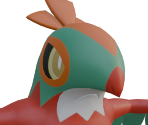
#0701 Mega Hawlucha
view_in_ar

#0702 Dedenne
view_in_ar

#0703 Carbink
view_in_ar
#0704 Goomy
view_in_ar
#0705 Sliggoo
view_in_ar
#0706 Goodra
view_in_ar
#0707 Klefki
view_in_ar

#0708 Phantump
view_in_ar

#0709 Trevenant
view_in_ar
#0712 Bergmite
view_in_ar
#0713 Avalugg
view_in_ar
#0714 Noibat
view_in_ar
#0715 Noivern
view_in_ar
#0717 Yveltal
view_in_ar
#0719 Diancie
view_in_ar
#0719 Mega Diancie
view_in_ar
#0720 Hoopa
view_in_ar

#0721 Volcanion
view_in_ar
#718 Mega Zygarde
view_in_ar
arrow_drop_down
[17]
Pokémon (7th Generation)
#0739 Crabrawler
view_in_ar
#0740 Crabominable
view_in_ar
#0740 Mega Crabominable
view_in_ar
#0767 Wimpod
view_in_ar
#0768 Golisopod
view_in_ar
#0768 Mega Golisopod
view_in_ar
#0769 Sandygast
view_in_ar

#0770 Palossand
view_in_ar
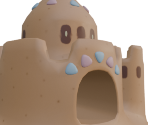
#0778 Mimikyu
view_in_ar

#0780 Drampa
view_in_ar
#0780 Mega Drampa
view_in_ar
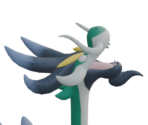
#0801 Mega Magearna
view_in_ar

#0801 Mega Magearna (Original Color)
view_in_ar
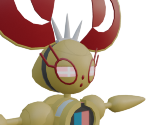
#0807 Mega Zeraora
view_in_ar
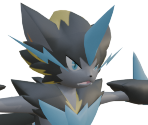
#0807 Zeraora
view_in_ar
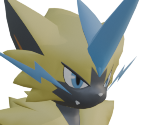
#0808 Meltan
view_in_ar
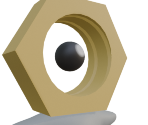
#0809 Melmetal
view_in_ar
arrow_drop_down
[18]
Pokémon (8th Generation)
#0821 Rookidee
view_in_ar
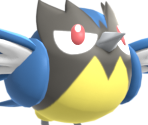
#0822 Corvisquire
view_in_ar
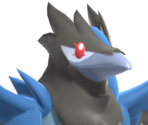
#0823 Corviknight
view_in_ar
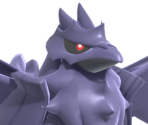
#0827 Nickit
view_in_ar
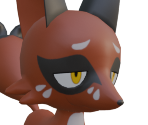
#0828 Thievul
view_in_ar
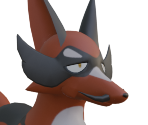
#0848 Toxel
view_in_ar

#0849 Toxtricity (Amped)
view_in_ar
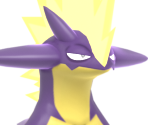
#0849 Toxtricity (Low Key)
view_in_ar
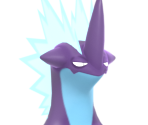
#0852 Clobbopus
view_in_ar

#0853 Grapploct
view_in_ar

#0863 Perrserker
view_in_ar

#0865 Sirfetch'd
view_in_ar
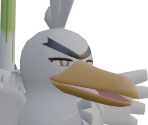
#0866 Mr. Rime
view_in_ar

#0867 Runerigus
view_in_ar
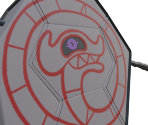
#0870 Falinks
view_in_ar

#0870 Mega Falinks
view_in_ar
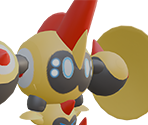
#0900 Kleavor
view_in_ar
#0904 Overqwil
view_in_ar

arrow_drop_down
[33]
Pokémon (9th Generation)
#0927 Dachsbun
view_in_ar
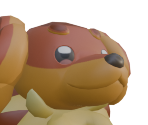
#0932 Nacli
view_in_ar
#0933 Naclstack
view_in_ar
#0934 Garganacl
view_in_ar
#0935 Charcadet
view_in_ar

#0936 Armarouge
view_in_ar
#0937 Ceruledge
view_in_ar
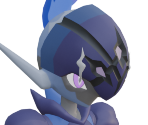
#0942 Maschiff
view_in_ar
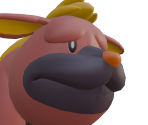
#0943 Mabosstiff
view_in_ar
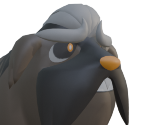
#0944 Shroodle
view_in_ar
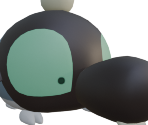
#0945 Grafaiai
view_in_ar
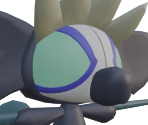
#0951 Capsakid
view_in_ar
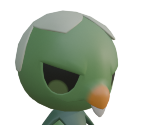
#0952 Mega Scovillain
view_in_ar
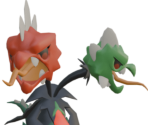
#0952 Scovillain
view_in_ar
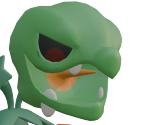
#0957 Tinkatink
view_in_ar

#0958 Tinkatuff
view_in_ar

#0959 Tinkaton
view_in_ar

#0967 Cyclizar
view_in_ar
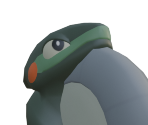
#0969 Glimmet
view_in_ar

#0970 Glimmora
view_in_ar

#0970 Mega Glimmora
view_in_ar
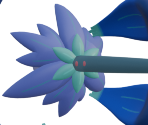
#0971 Greavard
view_in_ar
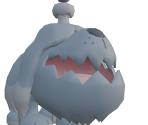
#0972 Houndstone
view_in_ar
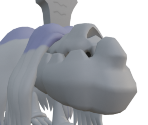
#0973 Flamigo
view_in_ar
#0977 Dondozo
view_in_ar

#0978 Mega Tatsugiri (Original Color)
view_in_ar
#0979 Annihilape
view_in_ar
#0996 Frigibax
view_in_ar
#0997 Arctibax
view_in_ar
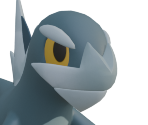
#0998 Baxcalibur
view_in_ar
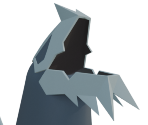
#0998 Mega Baxcalibur
view_in_ar
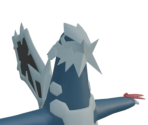
#0999 Gimmighoul
view_in_ar
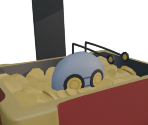
#1000 Gholdengo
view_in_ar
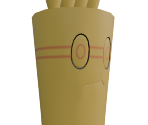
arrow_drop_down
[8]
Unique Trainers
AZ
view_in_ar

Emma
view_in_ar
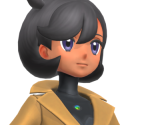
Jett
view_in_ar

Lida
view_in_ar
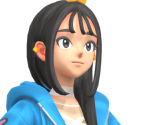
Lysandre
view_in_ar
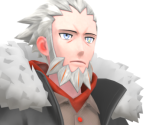
Mable
view_in_ar

Naveen
view_in_ar
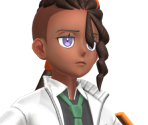
Vinnie
view_in_ar

arrow_drop_down
[24]
Objects
Berry Tart
view_in_ar

Café Cup
view_in_ar

Canari Marketable Plushie
view_in_ar
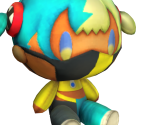
Cards
view_in_ar

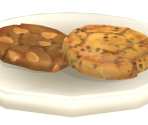
Cookie
view_in_ar
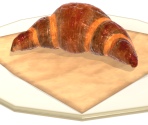
Croissant
view_in_ar
Iced Drink
view_in_ar
Lumiose Galette
view_in_ar
Mega Stones
view_in_ar
Nintendo Switch
view_in_ar
Nouveau Roast
view_in_ar

Obon Prop
view_in_ar

Orange
view_in_ar
Pebble
view_in_ar
Pencil
view_in_ar

Poké Balls
view_in_ar

Poké Balls (Overworld)
view_in_ar
Rotom Phone
view_in_ar
Substitute Doll
view_in_ar

Sweets
view_in_ar
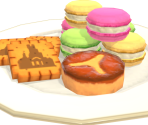
Takeout Coffee
view_in_ar

Tart
view_in_ar
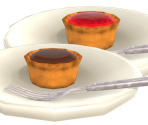
Tea Set
view_in_ar

Travel Bag
view_in_ar

arrow_drop_down
[6]
Map Objects
Comments (36)
You must be logged in to post comments.

The Pokémon Model Ripping Project thread by Random Talking Bush! It has the model files as well as the scripts to convert 'em.


Thanks Dodo for the help, but how can I get started? Where can I find the models to do this to?
So, for putting together a Pokémon texture, you'll want the following:
• Photo Editor. (I'm using paint.net.)
• Alpha Mask Plugin / Option / Effect for the Photo Editor.
• 3D Program. (I'm using 3DS Max.)
• TextureRemix tool. (To split apart texture channels.)
• That Pokémon's Hex Codes. (Their internal, official colour values.)
• That Pokémon's Split "LYM" Textures. (You will need to merge some of these, too.)

To obtain the hex codes, I use Random Talking Bush's 3DS Max script to import Manectric's model. RTB has the material nodes setup to automatically display the proper colours using the respective LYM masks. If you don't have 3DS Max, then, um... I guess you'll have to find a way to get the material information out of the Pokémon's files? Once you do have that information, search within it (.txt or .json, I reckon...) for the texture's material name that you want to make, then put together the hex codes using the RGB values for "BaseColorLayerX" with X being the digit. If you don't know how to split apart an "LYM" texture, download Peardian's TextureRemix tool, drag the LYM into it, set an export location, and press the "|||" button. Then, instead of leaving them as "..._R / _G / _B / _A", rename the exported split textures as "..._A / _B / _C / _D".

Next, you'll want to find an Alpha Mask Import plugin for paint.net. The one I use is from 2006, and I can confirm it works perfectly (at least with 4.X versions of paint.net, anyway.) Once that plugin is installed, make sure the "Layers" box is open (button for it is in the upper right corner), drag LYM_A into paint.net as a new image, then drag LYM_B and LYM_C in as layers. If done correctly, you should have 3 textures all within the same project. Duplicate LYM_B and LYM_C, move them below the first 3, and temporarily hide those two by disabling the check-marks next to their names – they're meant for later. At the bottom of the Layers box, set the first 2 layers to "Additive" mode using the "Layer Properties" option. Next, merge all 3 layers into one texture. Save this texture as LYM_A+B+C.png. The program will first ask if you want to flatten the image; as long as the two duplicate textures from earlier are hidden, you can press yes. Once LYM_A+B+C.png is exported, hit the Undo button to un-flatten the textures, then delete your merged A+B+C layer and set the duplicated LYM_B / LYM_C to be visible again. Repeat the process by setting the top layer to "Additive" mode, merge the two, then save them as LYM_B+C.png.

Open a new image in paint.net with the same dimensions as your LYM textures. Duplicate the current layer 3 times; name them as A, B, C, D, in that order. Open the "Colours" box (button's also in the upper right corner), click the "More >>" button within it, select the Paint Bucket tool, then fill in each layer with the hex code colour respective to the LYM that they're meant for. (For example: LYM_A needs light blue, LYM_B needs dark yellow, LYM_C needs bright pink, LYM_D needs dark grey.) After setting each colour, select your "A" layer. In the top toolbar, go to "Effects" and choose "Alpha Mask..." (the plugin you installed from earlier.) Make sure all 3 check-marks are disabled, and make sure your clipboard is clear of any images regardless. Select the LYM_A+B+C.png texture you made and press OK. For your "B" layer, do the same by selecting your LYM_B+C.png texture. For your "C" and "D" layers, select LYM_C.png and LYM_D.png for them, respectively. Finally, re-arrange the order of the layers as D, C, B, A. If everything was done correctly, you should now have a proper "mock-up" of that Pokémon's colours! And of course, do not discard the original LYM's that were split apart if you do intend on submitting. Just take a look at my Manectric, Pyroar, or Roserade submissions to see how yours should be organised.

Happy baking!
• Photo Editor. (I'm using paint.net.)
• Alpha Mask Plugin / Option / Effect for the Photo Editor.
• 3D Program. (I'm using 3DS Max.)
• TextureRemix tool. (To split apart texture channels.)
• That Pokémon's Hex Codes. (Their internal, official colour values.)
• That Pokémon's Split "LYM" Textures. (You will need to merge some of these, too.)
To obtain the hex codes, I use Random Talking Bush's 3DS Max script to import Manectric's model. RTB has the material nodes setup to automatically display the proper colours using the respective LYM masks. If you don't have 3DS Max, then, um... I guess you'll have to find a way to get the material information out of the Pokémon's files? Once you do have that information, search within it (.txt or .json, I reckon...) for the texture's material name that you want to make, then put together the hex codes using the RGB values for "BaseColorLayerX" with X being the digit. If you don't know how to split apart an "LYM" texture, download Peardian's TextureRemix tool, drag the LYM into it, set an export location, and press the "|||" button. Then, instead of leaving them as "..._R / _G / _B / _A", rename the exported split textures as "..._A / _B / _C / _D".
Next, you'll want to find an Alpha Mask Import plugin for paint.net. The one I use is from 2006, and I can confirm it works perfectly (at least with 4.X versions of paint.net, anyway.) Once that plugin is installed, make sure the "Layers" box is open (button for it is in the upper right corner), drag LYM_A into paint.net as a new image, then drag LYM_B and LYM_C in as layers. If done correctly, you should have 3 textures all within the same project. Duplicate LYM_B and LYM_C, move them below the first 3, and temporarily hide those two by disabling the check-marks next to their names – they're meant for later. At the bottom of the Layers box, set the first 2 layers to "Additive" mode using the "Layer Properties" option. Next, merge all 3 layers into one texture. Save this texture as LYM_A+B+C.png. The program will first ask if you want to flatten the image; as long as the two duplicate textures from earlier are hidden, you can press yes. Once LYM_A+B+C.png is exported, hit the Undo button to un-flatten the textures, then delete your merged A+B+C layer and set the duplicated LYM_B / LYM_C to be visible again. Repeat the process by setting the top layer to "Additive" mode, merge the two, then save them as LYM_B+C.png.
Open a new image in paint.net with the same dimensions as your LYM textures. Duplicate the current layer 3 times; name them as A, B, C, D, in that order. Open the "Colours" box (button's also in the upper right corner), click the "More >>" button within it, select the Paint Bucket tool, then fill in each layer with the hex code colour respective to the LYM that they're meant for. (For example: LYM_A needs light blue, LYM_B needs dark yellow, LYM_C needs bright pink, LYM_D needs dark grey.) After setting each colour, select your "A" layer. In the top toolbar, go to "Effects" and choose "Alpha Mask..." (the plugin you installed from earlier.) Make sure all 3 check-marks are disabled, and make sure your clipboard is clear of any images regardless. Select the LYM_A+B+C.png texture you made and press OK. For your "B" layer, do the same by selecting your LYM_B+C.png texture. For your "C" and "D" layers, select LYM_C.png and LYM_D.png for them, respectively. Finally, re-arrange the order of the layers as D, C, B, A. If everything was done correctly, you should now have a proper "mock-up" of that Pokémon's colours! And of course, do not discard the original LYM's that were split apart if you do intend on submitting. Just take a look at my Manectric, Pyroar, or Roserade submissions to see how yours should be organised.
Happy baking!

I want to contribute here as well for all the help that this site has given me over the years. I'm going to start working on getting some more Pokemon in here.

That would be great, I want to start contributing here as I've used it many times over. Though I would like to be able to have better textures as you have added.
Will the guide be released after the update? :)
Will the guide be released after the update? :)
Aigh so the blender addon isn't the issue, is there a dump for the actual files??

I want to rip the elemental monkeys but the link is BROKEN raahhh :despair:
aside from that great to see how accessible it is lolol
aside from that great to see how accessible it is lolol
Does anyone know where the Lumiose city cutscene model is found. and I wonder if its the same as the hologram one from the museum.
We figured out the last remaining step needed to bake the Pokémon textures even more accurately! I just updated Manectric and Pyroar with their proper textures and improved their icons. While they're mostly the same, there are no longer any subtle white seams/pixels around the edges of where the masks meet. Also, I've included my old / original mock-ups in their "Parameters" folder for reference purposes. I'll try soon to write a guide on how I put those textures together.
Huh. Nice
download blender, install this addon, learn how to bake textures, then submit.
how did you convert the models?

I did, but not THIS quickly. Sweet!
i did not expect this to get ripped.
| keyboard_double_arrow_left keyboard_arrow_left | Page 2 of 2 | keyboard_arrow_right keyboard_double_arrow_right |
Edit: I managed to find it, thank you for your help!!